An American iPhone can usually create a Suica before its owner reaches Japan. An American Android phone usually cannot create one at all, even if it has NFC and works perfectly with Google Wallet at home. That is the central fact behind Suica on iPhone vs Android: Apple built support for Japan’s FeliCa transit system into its modern global iPhone line, while JR East limits Android Mobile Suica to compatible Osaifu-Keitai devices. For most US Android owners, changing an app, language, region, SIM or Google account does not solve the hardware-and-certification problem.
The useful cycle begins before departure, continues when you land and ends with the first ticket-gate tap. On an eligible iPhone, you add and fund a digital card. On an incompatible Android, you stop troubleshooting and obtain a physical IC card or individual ticket. Once either version is working, daily travel becomes simple: tap in, ride, tap out and recharge when the balance gets low.
Before departure: identify the phone you actually own
Do not start by searching the Play Store. Start with the exact model number of your phone and the market where it was sold. A Japanese Android and a US Android carrying the same product name can support different payment systems. Ordinary NFC compatibility proves that a phone can handle many contactless bank payments, but it does not prove that the device supports Suica.
Suica uses FeliCa, Sony’s contactless technology, through the Japanese mobile-wallet framework called おサイフケータイ, Osaifu-Keitai, literally “wallet mobile phone.” JR East states that Google Wallet Suica requires an Android device that supports Osaifu-Keitai and appears among its compatible Mobile Suica models. A typical phone bought from a US carrier is not sold as an Osaifu-Keitai device.
The distinction matters because the visible Google Wallet app is only the interface. The secure transit credential also depends on compatible device components, firmware, certification and services. Installing the Japanese version of an app cannot manufacture that missing support.
If you are still arranging the rest of the trip, Planning a First Trip to Japan: The Order That Works explains which decisions should come before buying rail products. For the fare system itself, How Japan’s Rail Fares Are Actually Built covers base fares, supplements and transfers rather than repeating the phone setup here.
The iPhone setup before your flight
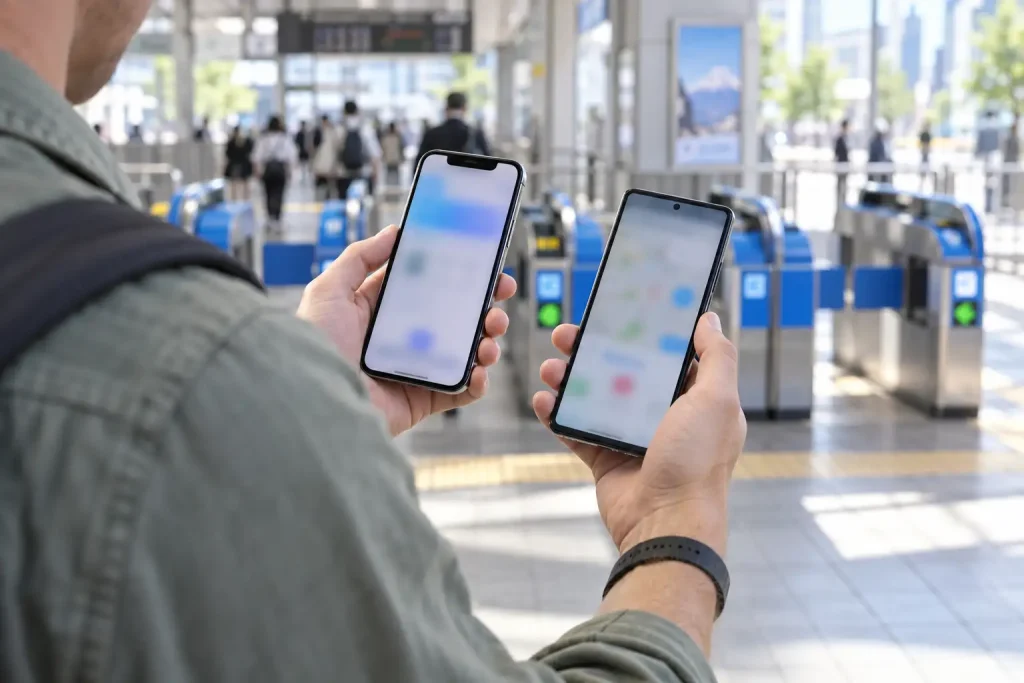
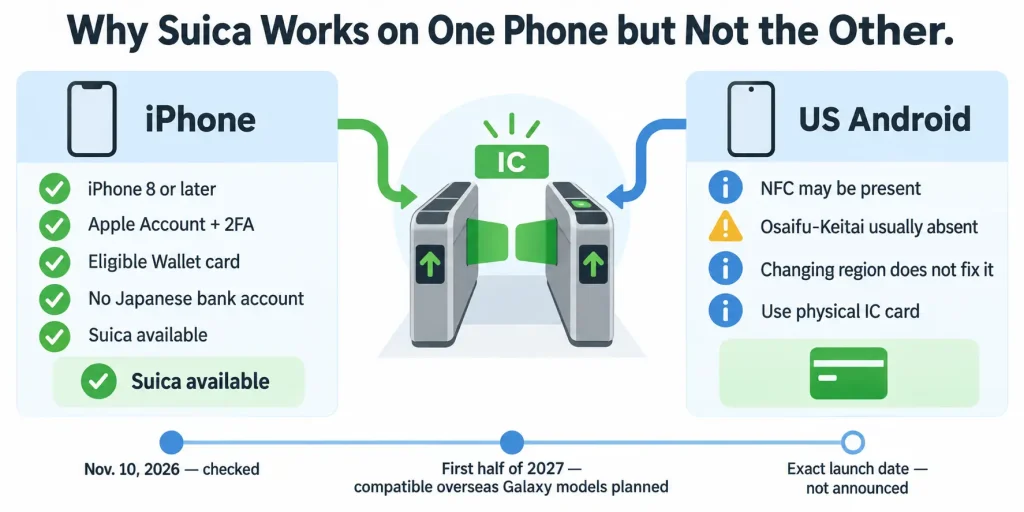
Apple’s published requirements, checked on November 10, 2026, say that Suica can be added to an iPhone 8 or later running the latest supported iOS. The earlier iPhone 7 and iPhone 7 Plus require units purchased in Japan. You also need an Apple Account protected by two-factor authentication and an eligible payment card in Apple Wallet.
A Japanese bank account is not listed as a requirement. You do not need to change your iPhone’s language to Japanese, and a tourist does not need to open a Japanese banking relationship merely to create the card. In Wallet, tap the plus button, choose Transit Card, select Suica, choose Add New Card and fund it with an eligible card.
Apple does not promise that every foreign payment card will be accepted. Card issuers can decline an overseas or transit-wallet transaction, and temporary failures do occur. The accurate claim is therefore that Suica in Apple Wallet does not require a Japanese bank account—not that every US bank card is guaranteed to fund it.
| Question | US-market iPhone 8 or later | Typical US-market Android |
|---|---|---|
| Can it create Suica digitally? | Yes, subject to Apple’s requirements | Usually no |
| Is ordinary NFC enough? | Apple provides the required platform support | No |
| Is a Japanese bank account required? | No | Not the central issue |
| Can changing the phone region fix incompatibility? | Normally unnecessary | No |
| Practical visitor backup | Physical IC card or ticket | Physical IC card or ticket |
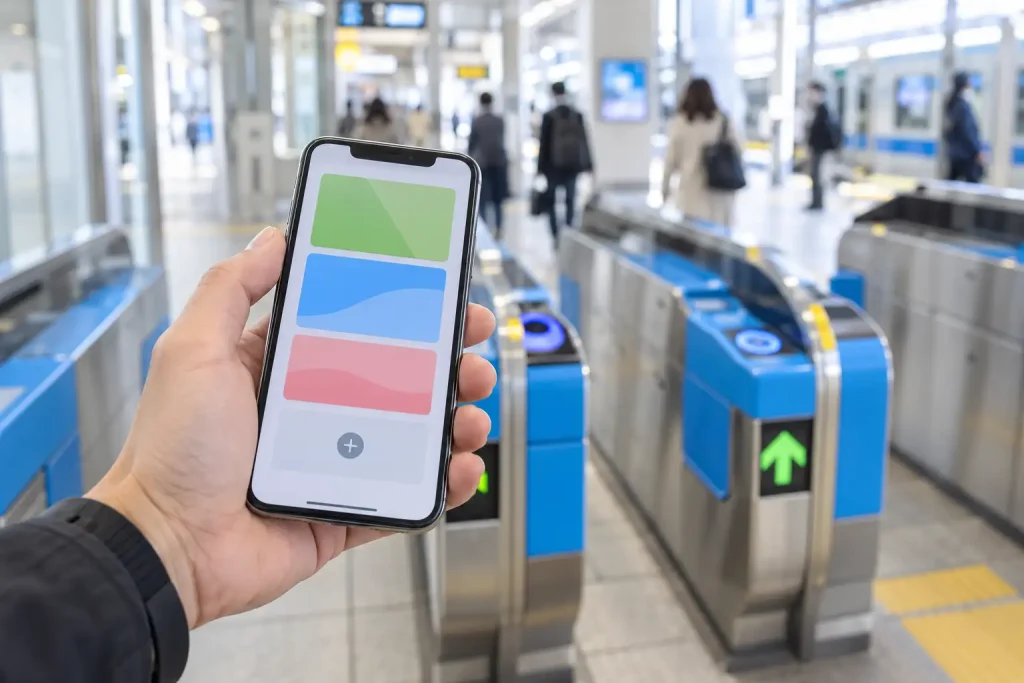
After creation, Express Mode lets you use the designated transit card without opening Wallet or authenticating every gate tap. The phone should be awake enough to communicate with the reader, but you do not need to launch the Suica screen each time. Hold the upper part of the iPhone near the blue IC reader and wait for the gate’s confirmation.
Why Suica on iPhone and Android follows different rules
Google Wallet supports ordinary contactless payment on many American Android phones. That creates the reasonable but incorrect expectation that the same phone should also accept Suica. JR East’s own Android documentation sets a narrower condition: the device must be a Mobile Suica-compatible smartphone supporting Osaifu-Keitai.
Japanese-market Android models commonly include that system. US-market versions commonly do not, even when both versions contain an NFC controller. Describing the difference only as “a missing chip” is convenient but not perfectly precise across every manufacturer and model. The decisive issue is whether the exact device is provisioned and certified for Osaifu-Keitai and Mobile Suica, not merely whether its specifications contain the letters NFC.
This also explains why common internet fixes fail:
- Changing the Google Play country does not add Osaifu-Keitai capability.
- Installing an APK does not make an unsupported model compatible.
- Using a Japanese eSIM does not alter the phone’s payment hardware or certification.
- Changing the system language does not convert a US model into a Japanese model.
- Adding a US credit card to Google Wallet does not automatically create Mobile Suica support.
Rooting, bootloader modifications and unofficial workarounds are poor travel plans. They may weaken device security or interfere with Wallet integrity checks, and they still do not create official JR East support. If the Suica option is absent on a US Android, treat that result as a compatibility limit rather than a puzzle that must be defeated.
Landing in Japan: the Android plan B
The least stressful plan is to keep your current phone and use a physical IC card. A physical Suica-compatible card performs the core job most visitors need: storing prepaid value and tapping through supported train and bus gates. It also works at many vending machines, convenience stores and other merchants displaying an IC logo.
Availability and sales locations can change, so check the operator or airport page shortly before arrival. Do not build a tight airport transfer around finding a particular branded card at one specific machine. If Suica is temporarily inconvenient to obtain, another interoperable regional IC card may perform the same everyday transport function in compatible areas.
Your practical order on arrival is:
- Check the airport railway’s official ticket or IC-card sales information.
- Buy an available physical IC card if it fits your itinerary.
- Add a modest amount of yen rather than loading the maximum immediately.
- Keep the card separate from other contactless cards when tapping.
- Use a paper or QR ticket for any journey that the IC card does not cover.
A physical IC card is not an unlimited rail pass. It normally deducts the applicable stored-value fare for each trip. If you are comparing longer-distance products, The Break-Even Math on Kansai, JR East and Hokkaido explains when regional passes can beat individual fares. The national comparison is covered separately in Is the Japan Rail Pass Worth It in 2026?.
| Stage of the travel day | Eligible iPhone | Incompatible US Android |
|---|---|---|
| Before leaving the United States | Add Suica in Apple Wallet and test funding | Confirm incompatibility and plan for a physical card |
| At the Japanese airport | Use the digital card or recharge it | Buy an available IC card or railway ticket |
| At the first local gate | Tap the iPhone with Express Mode | Tap the physical card |
| Before a Shinkansen trip | Confirm how the separate reservation is linked | Buy or collect the appropriate Shinkansen ticket |
| When the balance is low | Recharge with an accepted Wallet card or supported cash method | Recharge the physical card at a compatible machine or counter |
Your first gate and the mistake that blocks the line
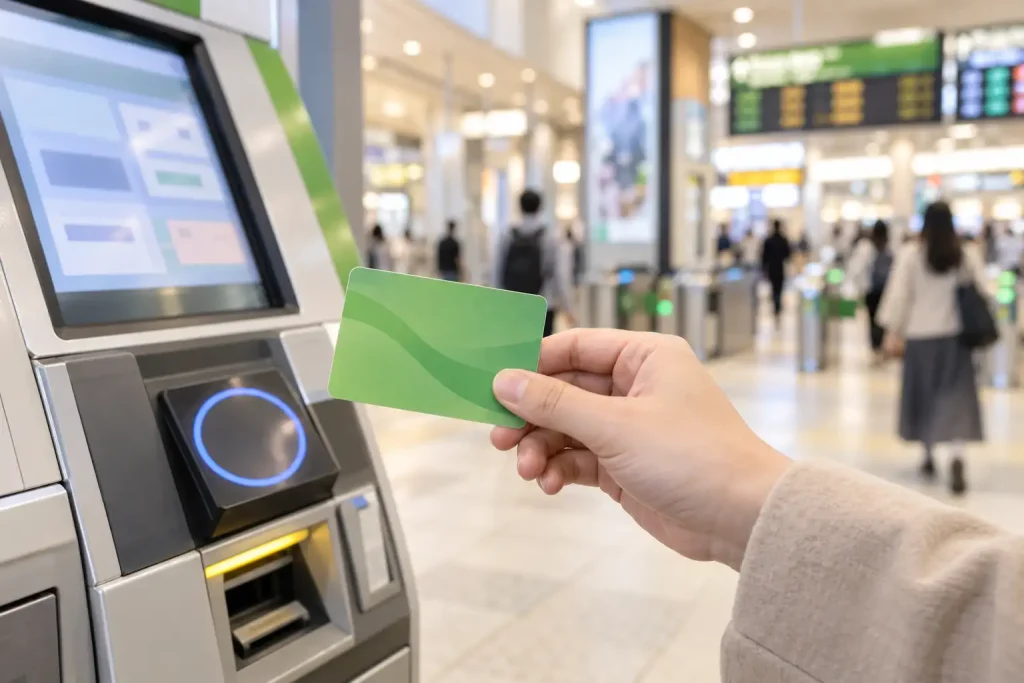
A Suica is easy to use once it exists. At a supported local railway gate, tap the same device or card when entering and leaving. Do not switch between a physical card and a phone during one journey because the entry record remains on the medium used at the first gate.
If the gate closes, do not repeatedly strike the reader. Step aside and show the card or phone to station staff. A failed exit may result from insufficient stored value, an incomplete entry record or a route that needs a fare adjustment. The Japanese phrasebook with 337 phrases sorted by situation is useful if you need to explain that your card did not work.
“My phone has NFC” and “my phone supports Osaifu-Keitai” are not equivalent statements.
Suica also does not make every railway journey ticketless. Reserved trains, premium cars and Shinkansen services may require a separate reservation, supplement or linkage procedure. Machines, Apps and the Ticket Counter covers those purchasing routes without turning this phone guide into another Shinkansen tutorial.
The dates that matter—and the dates that do not
There is no annual Suica season. The compatibility rule does not reset in spring, change during cherry-blossom season or follow the Japanese fiscal year. November 10, 2026 and November 10, 2027 are ordinary travel dates for this purpose: your phone either meets the platform requirements in effect on that day or it does not.
The genuine movable element is product support. JR East and Samsung announced an effort to bring Welcome Suica Mobile to overseas Galaxy devices released from the first half of 2027, but no exact launch date or final compatible-model list had been published by the November 10, 2026 research cutoff. That announcement does not make existing US Galaxy phones retroactively compatible.
| Period | What a visitor should expect | What to plan around |
|---|---|---|
| Through November 10, 2026 | Welcome Suica Mobile is an iOS visitor product; Android Suica requires compatible Osaifu-Keitai hardware | US Android users should prepare a physical-card or ticket backup |
| First half of 2027 | Overseas Galaxy support is planned for newly released compatible models | Check the exact model list after launch |
| Rest of 2027 | No universal Android rollout has been promised | Do not assume every new Galaxy, Pixel or other Android qualifies |
| Any travel date | Temporary maintenance or issuer declines may affect setup or charging | Set up before a rushed station transfer |
The quiet hours are only quiet for setup
JR East says ordinary Mobile Suica credit-card charging is available from 4:00 a.m. until 2:00 a.m. the following day, Japan time, with a two-hour overnight gap. The operator also warns users to work with a stable data connection. This is relevant to charging and account operations, not to the basic concept of tapping an already issued card at a gate.
Apple’s instructions do not promise that setup always takes two minutes. The taps themselves are brief, but payment authorization, maintenance or an issuer decline can delay creation. Configure the card while you still have time to use another payment method.
The same principle applies to Android. There is no productive “quiet stretch” in which an incompatible US model becomes compatible. After you have confirmed that the device lacks official support, the useful action is to arrange the backup—not repeat the same setup attempt at midnight, at the airport and again beside the gate.
Frequently asked questions
Can any American iPhone add Suica?
No. Apple’s requirement checked on November 10, 2026 is an iPhone 8 or later with the latest supported iOS. An iPhone 7 or iPhone 7 Plus must have been purchased in Japan. The phone also needs an Apple Account with two-factor authentication and an eligible payment card in Wallet.
Do I need a Japanese bank account for Apple Wallet Suica?
No Japanese bank account appears in Apple’s requirements. You need an eligible payment card in Apple Wallet. A particular foreign card may still be rejected by its issuer or the payment system, so carry an alternative.
Why is there no Suica button in Google Wallet on my US Android?
The usual reason is that the phone does not support the Japanese Osaifu-Keitai platform required by JR East. Ordinary NFC and US Google Wallet payments do not prove Mobile Suica compatibility.
Will changing my Android region to Japan unlock Suica?
No. A region change can alter visible software or store content, but it cannot supply the device support and certification required for Osaifu-Keitai. Use JR East’s compatible-device information for the exact model.
Can I transfer a physical Suica to an American Android?
Not if the Android device itself is unsupported. Moving the card does not bypass the phone requirement. Keep using the physical card or transfer only through a platform and device officially covered by the operator.
What should an Android user buy at the airport?
Buy an available physical IC card or the appropriate individual railway ticket. Current stock and sales points should be checked with the airport railway or card issuer shortly before travel.
Can I use my contactless Visa or Mastercard instead?
Some Japanese transport operators accept open-loop contactless bank cards, but coverage is not universal and should not be treated as a nationwide substitute for Suica. Check each operator serving your route.
Will American Galaxy phones support Suica in 2027?
JR East and Samsung announced planned support for compatible overseas Galaxy models released from the first half of 2027. As of November 10, 2026, the exact release date and complete model list had not been published. Existing phones should not be assumed to gain support retroactively.