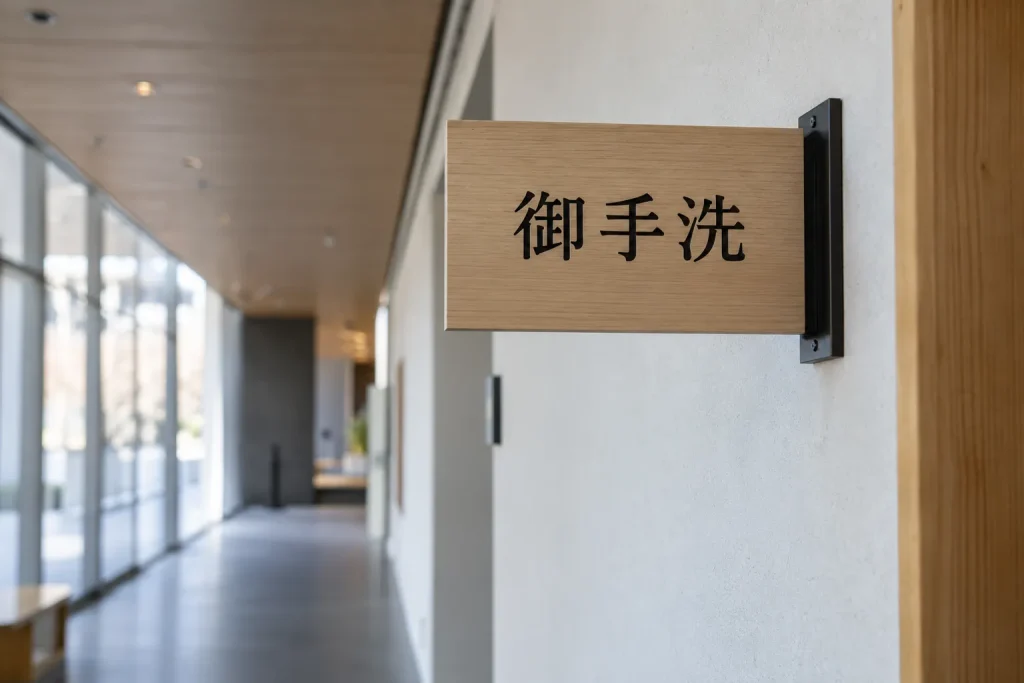
The character in this test is 御, the first kanji in 御手洗. You might encounter the full expression on a station sign, outside a room, or on a nameplate without knowing how any part of it is pronounced. It is a representative case for learning how to look up a kanji because the character is common, visually complex enough to cause hesitation, and easy to divide into components once you know what to inspect.
The exercise follows the same character through four lookup methods: handwriting input, phone-camera recognition, a paper dictionary’s radical index, and total stroke count. The point is not to claim a universal time in seconds, because speed changes with the device, dictionary, typeface, lighting, and user. Instead, each stage records the information you need, the decisions you must make, and the uncertainty left after the lookup.
First preserve the complete expression
The first decision happens before you open a dictionary. If the text may disappear from view, photograph the entire sign or label rather than recording only the unfamiliar character. In this case, preserve 御手洗 instead of cropping 御 immediately. The surrounding characters may be essential when you later choose between possible readings.
Do not guess that an unfamiliar symbol must be kanji merely because it looks complicated. Japanese text can combine kanji, hiragana, katakana, Latin letters, and numerals in a single line. Hiragana, Katakana, Kanji: How Japanese Writing Works explains what each script does, so this walkthrough begins after you have identified 御 as kanji.
The Japan Kanji Aptitude Testing Foundation’s Kanjipedia records 御 as a twelve-stroke character. Its listed readings include ギョ gyo, ゴ go, オン on, お o, and み mi. That variety immediately shows why copying the shape is safer than inventing a pronunciation.
Handwriting input is the best field default
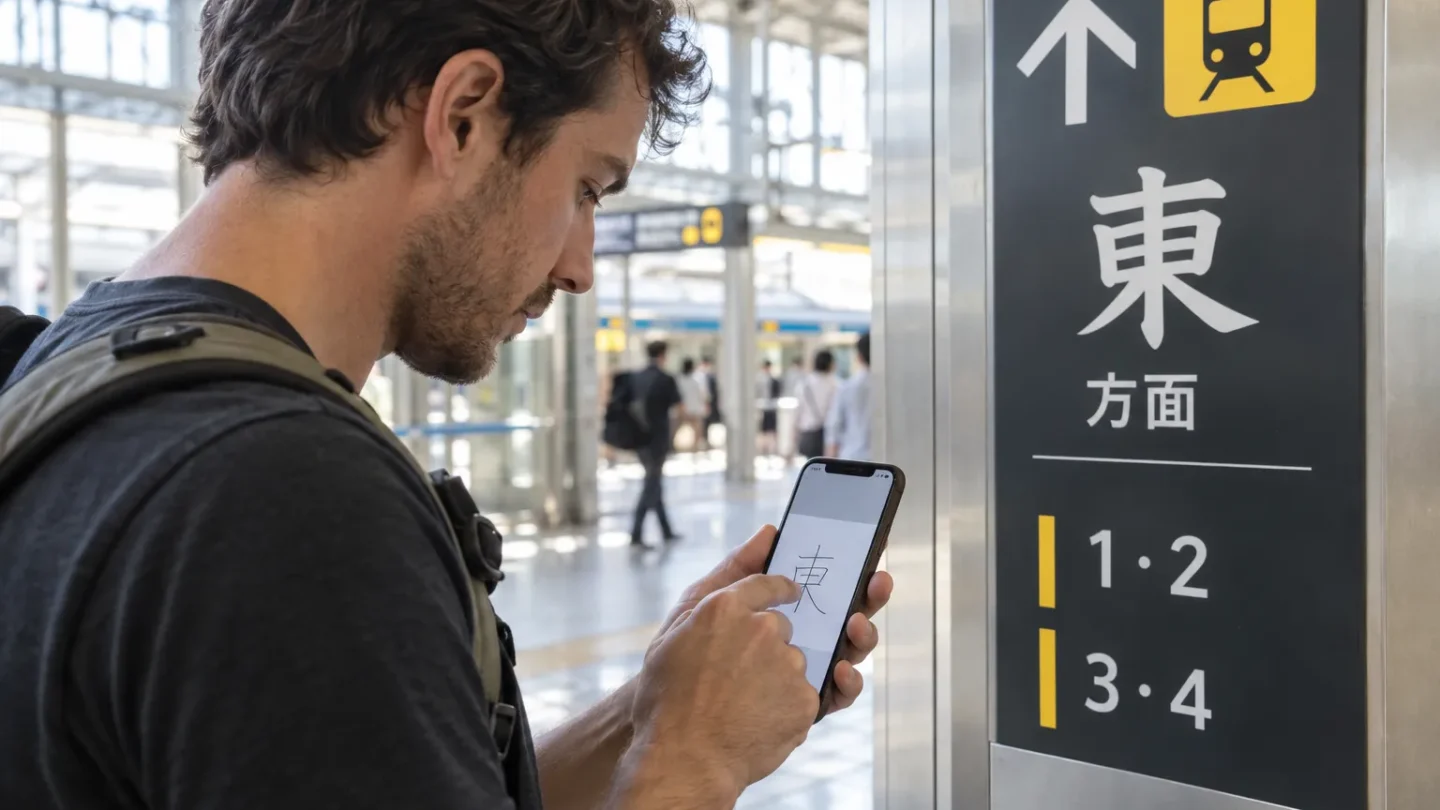
On a phone or tablet with a compatible Japanese handwriting keyboard, draw 御 as it appears. You do not need to know its reading, radical, or meaning. The software proposes characters that resemble your drawing, and you select the candidate that matches the original.
Google’s Gboard instructions confirm that supported Android keyboards can accept handwriting drawn with a finger or stylus. Google also states that handwriting is not available for every language or device configuration. Its current documentation says that the Gboard handwriting feature is not available on iPhone or iPad, so you must check which input method your own device supports.
Copy the visible components separately instead of treating the character as one continuous picture. 御 has 彳 on the left and 卸 on the right. Correct stroke order can improve recognition, but matching the overall structure matters more than producing polished calligraphy.
Handwriting is normally the fastest dependable method for an isolated character in the field because it removes several preliminary decisions. You do not need to identify the official radical or count every line before beginning. Your main task is to compare the suggested characters with the source.
The uncomfortable part is that a plausible candidate is not proof. Similar characters can appear beside each other, especially after an incomplete drawing. Check every component before copying the result into a dictionary.
| Stage | Action | State after the action | Uncertainty remaining |
|---|---|---|---|
| Capture | Save 御手洗 as a complete expression | The original context is preserved | Reading and meaning remain unknown |
| Draw | Enter 御 by hand | A candidate list appears | The correct candidate must be selected |
| Compare | Match 彳 and 卸 with the source | 御 is identified | The correct reading is still unknown |
| Search | Look up 御手洗 as a complete term | Word and name readings appear | Context must determine the intended reading |
| Verify | Compare the result with the sign’s location | The likely meaning becomes clear | Names may still require confirmation |
The next step depends on what you actually found. If you are beginning systematic study rather than solving a single sign, The First Hundred Kanji and Why Those explains which early characters provide the most reusable base.
A camera is faster only when the image cooperates
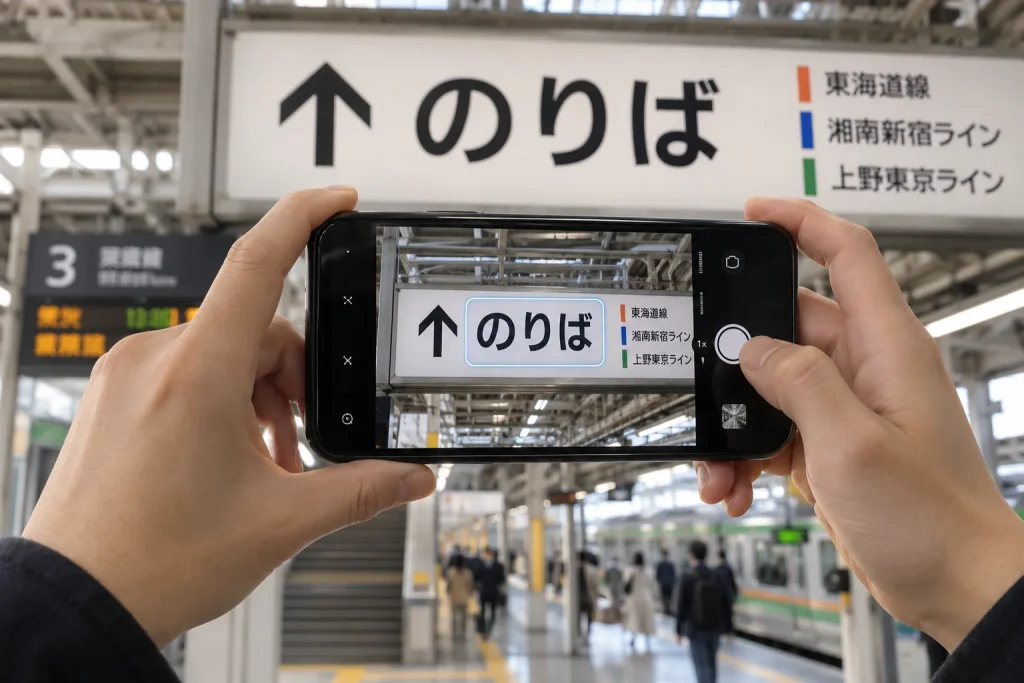
A phone camera can outperform handwriting when the text is clean, horizontal, evenly lit, and printed in an ordinary typeface. Frame the full expression, select the recognized Japanese text, and copy it into a dictionary. The camera may return 御手洗 at once, preserving more context than an isolated-character lookup.
That ideal result is not guaranteed. Glare, vertical writing, decorative calligraphy, damaged signs, low contrast, and partly covered characters can break recognition. A camera may also identify the Japanese correctly while supplying a misleading English translation.
This distinction matters with 御手洗. The expression お手洗い/おてあらい, otearai, literally “honorable hand-washing,” is commonly associated with a restroom. 御手洗 is also used as the surname Mitarai. A translation app that displays “restroom” may therefore be correct for a directional sign and wrong for a nameplate.
Camera recognition is consequently the fastest option under good conditions, but handwriting remains the better field default when you have one difficult character. If the first scan fails, repeated cropping and repositioning can take longer than drawing the character yourself.
The general camera advice fails at the nameplate
The usual instruction—photograph the text and accept the translation—would have failed if 御手洗 appeared beside an office door. The software could recognize every character perfectly and still choose the wrong interpretation. Character recognition answers “What is written?” Translation attempts to answer “What does it mean here?” Those are separate tasks.
Search the complete expression in a dictionary that records both ordinary vocabulary and proper names. The location then becomes evidence. A sign with an arrow and accessibility symbols supports the restroom interpretation, while a plaque attached to an office or residence supports the surname.
This is also why searching 御 alone does not finish the job. The character has several readings, and none can be selected reliably without the word around it. Why the Same Kanji Sounds Different covers the reading system in detail; for this lookup, the practical rule is simply to verify the whole word.
A name tool does not solve this particular problem either. The site’s name converter with 898 checked names in katakana converts supported first names into katakana. It is useful when you need a katakana rendering, but it is not a surname dictionary or a replacement for unknown kanji identification.
Radicals win when the dictionary is made of paper
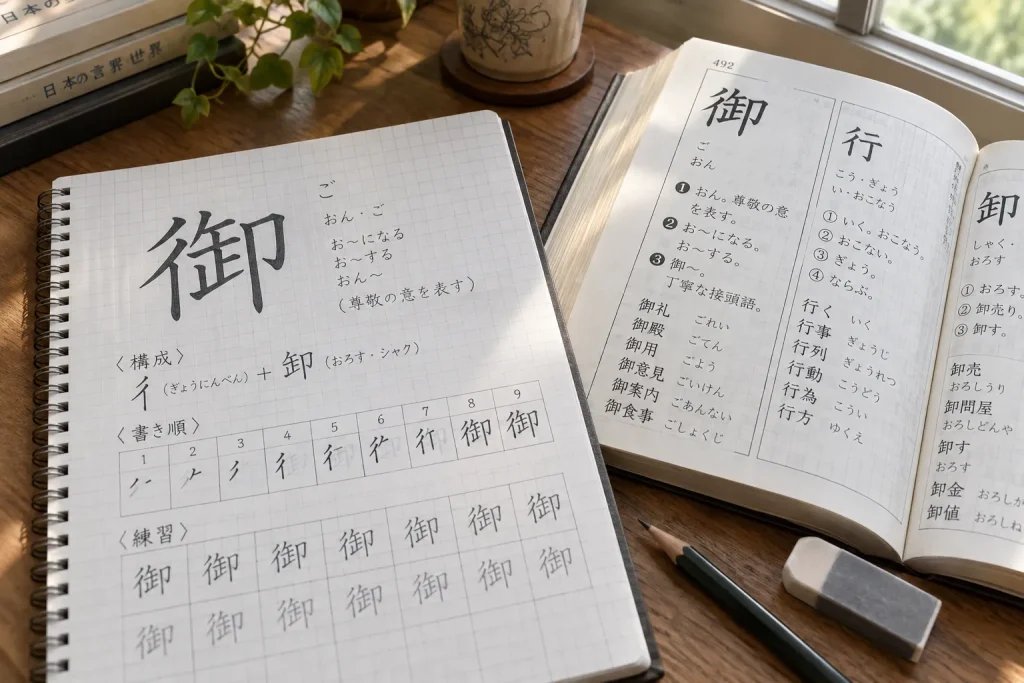
A paper dictionary cannot inspect a photograph or recognize a finger-drawn character. When you do not know the reading, the efficient route is usually the radical index. A 部首/ぶしゅ, bushu, literally “section heading,” is the component under which a kanji is classified in a traditional dictionary.
The radical of 御 is 彳, known in Japanese as ぎょうにんべん, gyōninben. Kanjipedia lists the character under this radical with nine additional strokes, producing a total of twelve. In a paper dictionary, you find 彳 in the radical index, move to the group with nine remaining strokes, and compare the listed characters until you reach 御.
This route requires more prior knowledge than handwriting input, but it narrows the paper search efficiently. You are not scanning every twelve-stroke character. You are searching a smaller structural group defined by the dictionary’s own indexing system.
A radical is primarily a lookup category. It does not always explain the modern meaning of the complete character, and it is not necessarily the component that looks most important to a beginner. Digital dictionaries often allow searches by several visible components, but a traditional paper dictionary normally expects one designated radical.
| Method | Best use | Information needed before starting | Main failure point | Speed ranking |
|---|---|---|---|---|
| Handwriting input | One unfamiliar character in the field | A reasonably accurate copy | Wrong candidate selected | Best general field method |
| Camera recognition | Clear words or complete sentences | A usable photograph | Correct text paired with the wrong interpretation | Fastest in ideal conditions |
| Radical index | Paper kanji dictionary | Likely radical and remaining strokes | Wrong indexing radical chosen | Best paper method |
| Total stroke count | Radical cannot be identified | Accurate stroke total | One counting error opens the wrong section | Slowest dependable fallback |
Stroke count is the fallback that demands precision
When you cannot identify the radical, count every stroke and use the dictionary’s total-stroke index. For 御, the verified total is twelve. You then scan the dictionary’s twelve-stroke entries until the complete form matches.
The method sounds simple, but kanji stroke count is not always visually obvious. A line that changes direction can remain one stroke, while two marks that touch in a printed font may still count separately. Decorative handwriting can hide boundaries that are clear in a standard typeface.
One mistaken stroke sends you to the wrong section. Even when the count is correct, many unrelated characters can share the total. That makes stroke count useful when every other route is unavailable, but inefficient as a first choice.
Do not confuse counting with stroke order. Stroke count asks how many separate pen movements form the standard character. Stroke order asks which movement comes first. A lookup index may require only the total, although knowing standard order makes complex characters easier to copy and recognize.
Finding the kanji is not the same as reading it
Once you identify 御, search 御手洗 rather than stopping at the single-character entry. The full expression can lead to お手洗い otearai in the restroom context or Mitarai as a surname. The same written sequence does not guarantee the same spoken result in every setting.
Japanese dictionaries may label 音読み/おんよみ, on’yomi, literally “sound reading,” and 訓読み/くんよみ, kun’yomi, literally “meaning reading.” Proper names can introduce further readings that are difficult to predict from the isolated characters. Recognition therefore proceeds from shape to character, from character to word, and from word to contextual reading.
Romaji cannot rescue the first stage because you do not yet know what sound to type. Romaji Explained: Three Systems and Which One to Use deals with representing known Japanese sounds in Latin letters. It cannot reconstruct an unread character from its appearance.
This is the point at which many fast lookups become wrong answers. The app has identified the shape, so the user accepts the first pronunciation on the screen. A reliable Japanese dictionary lookup continues until the complete expression and its setting agree.
Change the order when your conditions change
Your best method depends less on the character’s supposed difficulty than on the resources around you. With a compatible phone and one clearly visible character, start with handwriting. With a clean line of printed text, try the camera first because the surrounding characters may resolve the word immediately.
If you have no connection, use an installed handwriting keyboard and an offline dictionary. If your device lacks Japanese handwriting input, preserve the image and try component or radical search. Do not discover during an urgent lookup that the feature you expected requires a download or account configuration.
Weather and location affect the camera more than the dictionary. Reflections from strong sunlight, rain on glass, darkness, and steamed windows can reduce text recognition. Change your viewing angle or make a careful copy, but do not enter a restricted area or stand in traffic to obtain a better image.
Your learning level also changes the efficient route. A beginner normally benefits from handwriting because it requires the least structural knowledge. As you recognize more components, kanji radical lookup becomes faster and more useful. Returning to The First Hundred Kanji and Why Those can help turn repeated emergency lookups into recognizable patterns.
Use this order when you need a quick answer:
- Preserve the complete word or phrase.
- Try handwriting input for one unknown character.
- Try camera recognition when the entire printed expression is clear.
- Use the radical and remaining strokes in a paper dictionary.
- Fall back to total stroke count if the radical is uncertain.
- Verify the full word and its context before accepting a reading.
A method that transfers to the next character
The transferable rule is to begin with the information you already possess. In the field, you possess the visible shape, so handwriting input is normally the fastest dependable starting point; a clean camera scan can win when it captures the whole expression immediately. In a paper dictionary, structure reduces the search more effectively than a raw count, so identify the radical first and save total stroke count for the fallback.
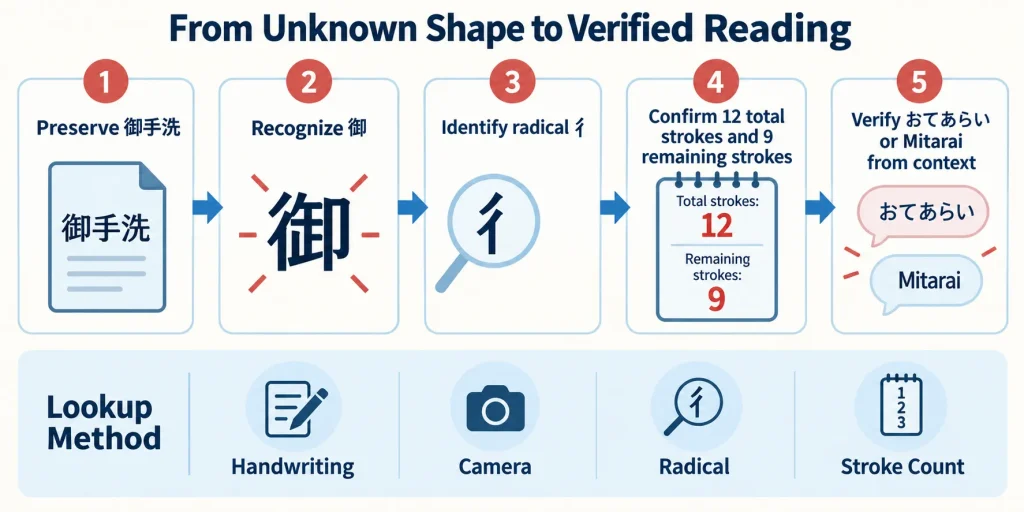
| Step | Input | Example state | Result |
|---|---|---|---|
| Preserve | Full visible expression | 御手洗 | Context retained |
| Recognize | Handwriting or camera | 御 | Character identified |
| Classify | Radical 彳 | Nine remaining strokes | Paper entry located |
| Confirm | Twelve total strokes | Exact visual match | Candidate verified |
| Read | Complete expression and setting | お手洗い or Mitarai | Contextual reading selected |