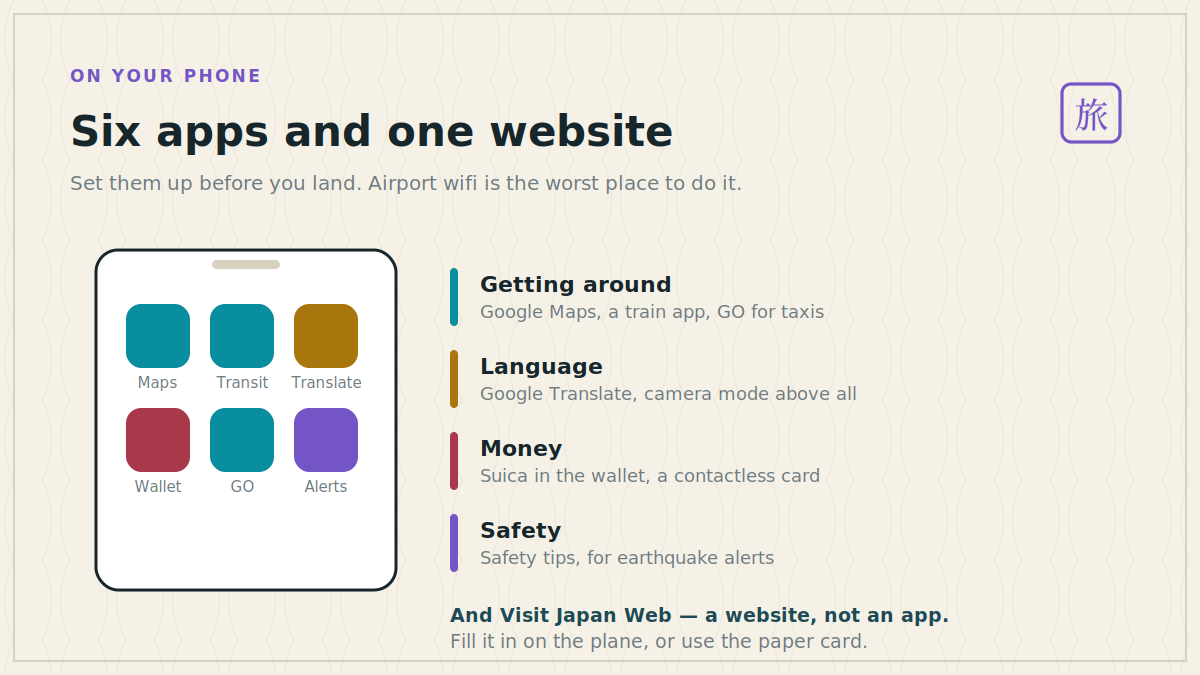
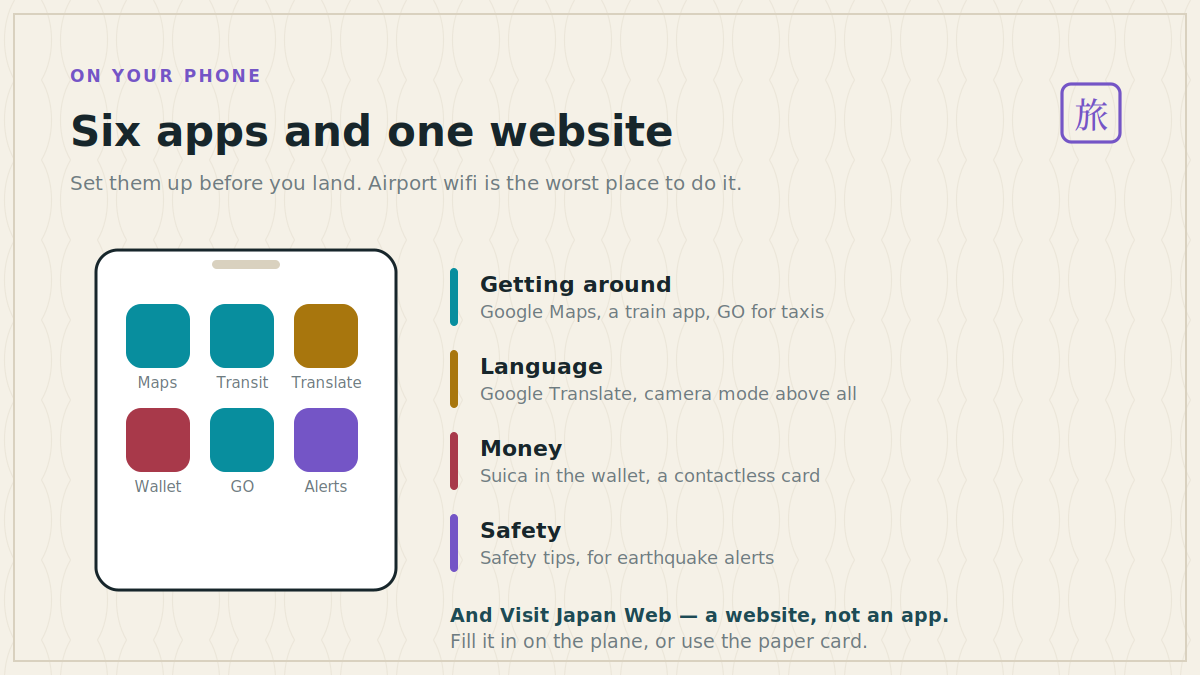
Six apps and one website will cover a trip to Japan completely. Almost every other recommendation you will read is either redundant, requires a Japanese phone number, or solves a problem the first six already solved.
Set them up before you land. Airport wifi at the end of a long-haul flight is the worst possible place to be configuring anything.
The six
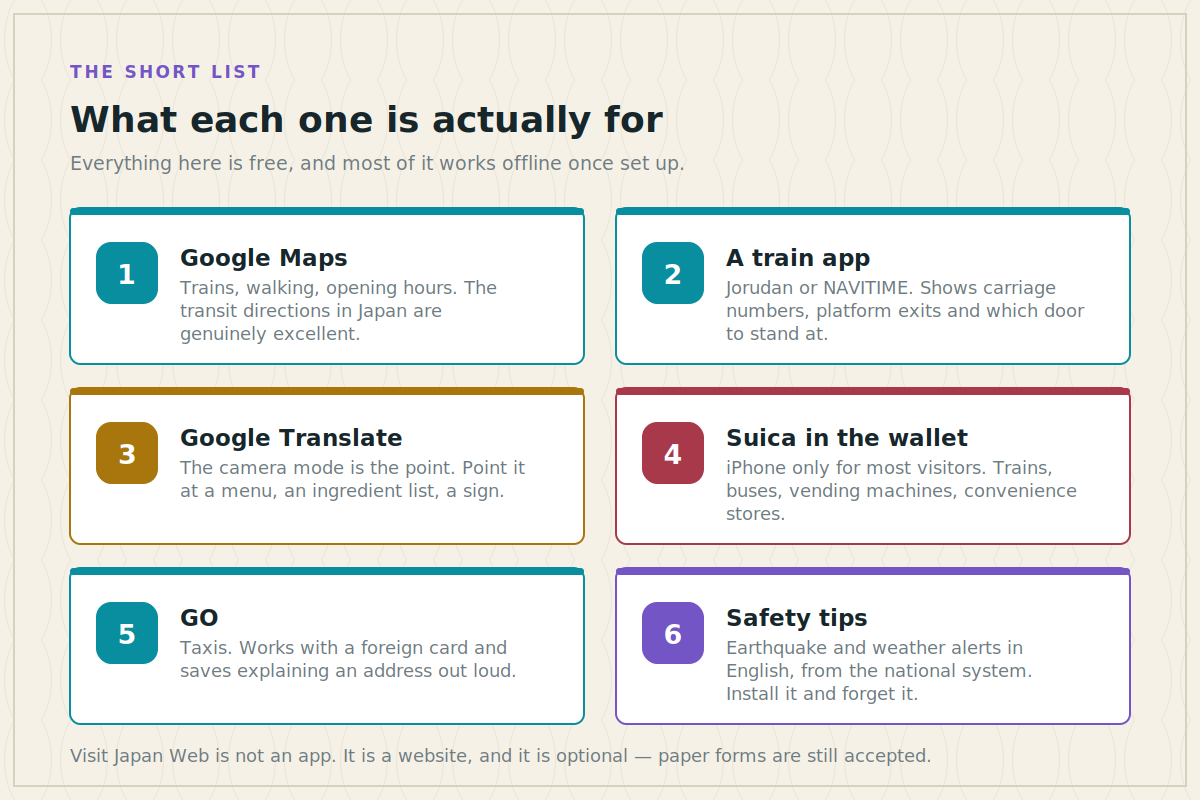
Google Maps is the backbone, and its transit directions in Japan are genuinely excellent — platform numbers, which train, how much, how long, and walking directions that account for underground passages. Download the offline map for each city before you go.
A dedicated train app — Jorudan’s Japan Transit Planner or NAVITIME — for the things Google Maps does not tell you. Which carriage to board so you exit next to the stairs, which door to stand at, whether a seat needs reserving. On a complicated transfer this saves five minutes and a lot of confusion.
Google Translate, and specifically the camera mode. Point it at a menu, an ingredient list, a laundry machine, a sign about which bin takes what. Download Japanese for offline use — it is a large file and you want it before you need it.
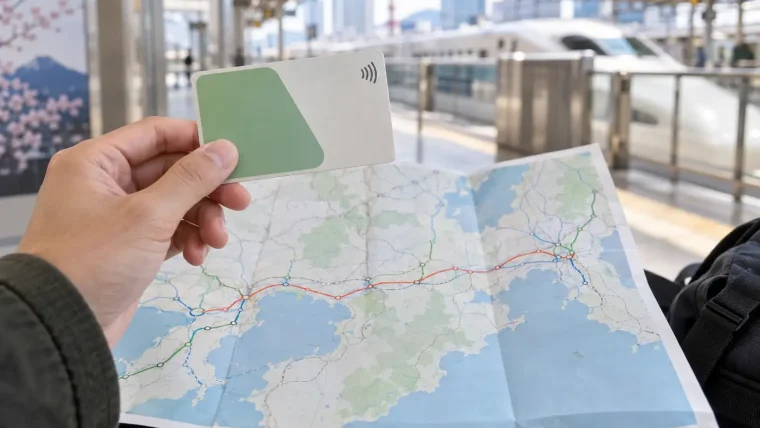
Suica in Apple Wallet, if you have an iPhone. It turns the phone into a train ticket, a bus fare, a vending machine and a convenience store payment, all with a tap and without unlocking. Add it in Wallet, top up with a card.
GO for taxis. It works with a foreign card, it puts the destination in for you, and it removes the one interaction where a language gap actually costs money.
Safety tips, the official disaster-alert app from the Japan Tourism Agency. Earthquake early warnings, tsunami advisories, typhoon and heat alerts, in English. You will most likely never use it. Install it anyway.
Visit Japan Web, which is not an app
It is a website, and it handles the two forms you fill in on arrival: the immigration arrival card and the customs declaration. Register, enter your details, and it produces QR codes you scan at the airport.
Three things worth knowing. It is optional — paper forms are still handed out on the plane and accepted at every airport, so if the site misbehaves, take the paper. There are two QR codes, one for immigration and one for customs, though the newest joint kiosks at Haneda, Narita and Kansai read both in a single tap. And as of 2026 it also carries a digital tax-free shopping code, replacing the paper slips that used to be stapled into passports.
Fill it in on the plane. It takes about ten minutes and saves twenty at the other end.
Paying for things
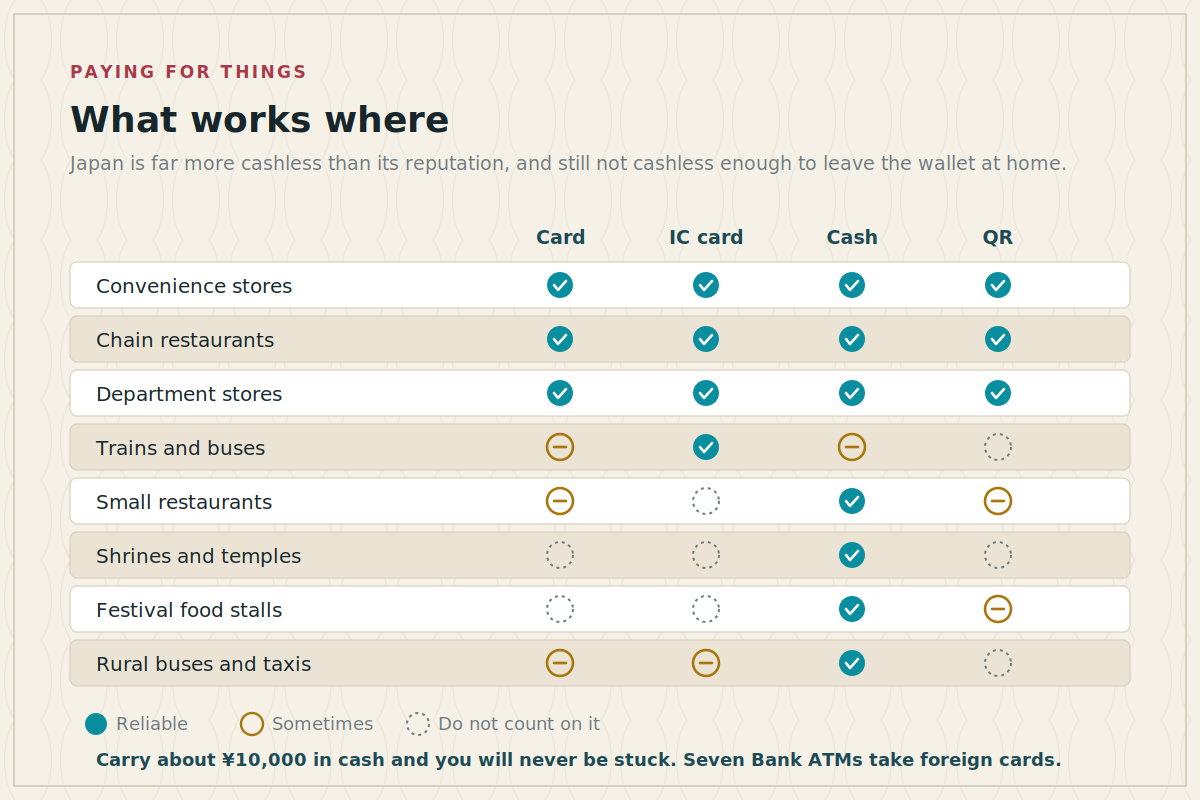
Three payment methods, and you want all three.
A contactless card covers convenience stores, chains, department stores, hotels and anything tourist-facing.
An IC card — Suica, Pasmo or a regional equivalent — covers trains, buses, vending machines, coin lockers and convenience stores. This is the one you will use most.
Cash covers the rest: small restaurants, shrines and temples, festival stalls, rural buses. Carry about ¥10,000.
The Suica question, honestly
This is where the advice online is most out of date, so it is worth being precise.
iPhone users should put Suica in Apple Wallet. No deposit, no expiry date, top up from the phone, and it works at the gate without unlocking. This is clearly the best option, and it is available to visitors.
Most Android users cannot. Mobile Suica needs Osaifu-Keitai hardware, which Japanese-market phones have and most others do not. If Google Wallet does not offer Suica on your phone, it is not a settings problem — the chip is not there.
Android users and anyone who prefers a card should get a Welcome Suica or Pasmo Passport at the airport or a major station. No deposit, no registration, and they work identically to the standard cards. Two caveats: they run for 28 days, and any leftover balance is not refundable — so top up in small amounts as you go, especially near the end of a trip. They also cannot be topped up with a credit card; cash only, at any station machine.
Standard Suica and Pasmo cards have been in short supply since a chip shortage in 2023, and availability is still patchy. The tourist versions exist precisely because of that, and they are easier to get.
| Suica in Apple Wallet | Welcome Suica | Pasmo Passport | |
|---|---|---|---|
| Who can use it | iPhone only | Anyone | Anyone |
| Deposit | None | None | None |
| Valid for | No expiry | 28 days | 28 days |
| Top up with | Card, from the phone | Cash only | Cash only |
| Leftover balance | Stays there | Lost | Lost |
| Where to get it | Apple Wallet, anywhere | Airports, big stations | Airports, tourist counters |
If you have an iPhone, Suica in the wallet. If you do not, a Welcome Suica from the airport, topped up in small amounts because the balance dies with the card.The IC card decision in two lines
Getting online
An eSIM bought before departure is the simplest option for most phones — you land, it activates, you are connected before you reach immigration. Data-only plans for a week or two are inexpensive.
A pocket wifi router rented at the airport makes sense for groups, since one device covers everyone, but it is another thing to carry and charge.
Free wifi exists at stations, convenience stores and cafés, and it is fine for a message but not something to plan around. Do not rely on it for navigation.
What we left off, and why
PayPay. Japan’s dominant QR payment app, and visitors can now register with a foreign number and a passport. But it duplicates what a contactless card already does, has a spending cap without full verification, and adds a setup step for no real gain. Skip it unless you are staying a while.
Tabelog. Japan’s restaurant review site, and locals do use it. The English coverage is thinner than the Japanese, and the ratings run on a scale where 3.5 is very good — which trips people up. Useful, not essential.
LINE. Essential if you live in Japan, unnecessary if you are visiting for two weeks.
Rail pass apps and ticket apps. smartEX and the JR East reservation site let you book shinkansen seats from a phone, which is convenient but not necessary — the machines at every station have English menus and are fast.
Currency converters. Learn the one number instead. At around 160 yen to the dollar, drop the last two digits and multiply by six: ¥1,300 is about $8.
Before you fly
A ten-minute list, done at home:
- Install the six and sign into each one.
- Download offline maps for every city on the itinerary, and the Japanese language pack in Translate.
- Add Suica to Apple Wallet and put ¥3,000 on it, if your phone supports it.
- Buy and install the eSIM, but do not activate it until you land.
- Register on Visit Japan Web, or decide you will use the paper form.
- Bring a battery pack. Navigation, translation and camera use will flatten a phone by mid-afternoon.
That last point is not trivia. A dead phone in Japan means no map, no translation, no train ticket and no payment method, all at once. The battery pack is the most useful thing in the bag.
What a phone will not do for you
Translation apps are very good and still not a substitute for a dozen phrases. Saying sumimasen to get someone’s attention and arigatou gozaimasu when they help is worth more than any app, and takes an afternoon to learn — the list is in our essential phrases article.
And a phone will not tell you which etiquette rules matter. That one is short enough to memorise, and it is in the etiquette guide.
Where the phone setup sits in the wider order of planning — last, after the route and the bookings — is in our guide to planning a first trip to Japan.